Free
$0 Real stock footageFree stock footage matched to your script. Great for general topics and everyday scenes.
- Unlimited stock-footage videos
- Matched automatically to your script
- No extra cost, ever
Write, record, edit, and export confident videos without memorizing every line.
Free to start — no credit card needed.
Compatible with
Read naturally without breaking eye contact.
Full demo
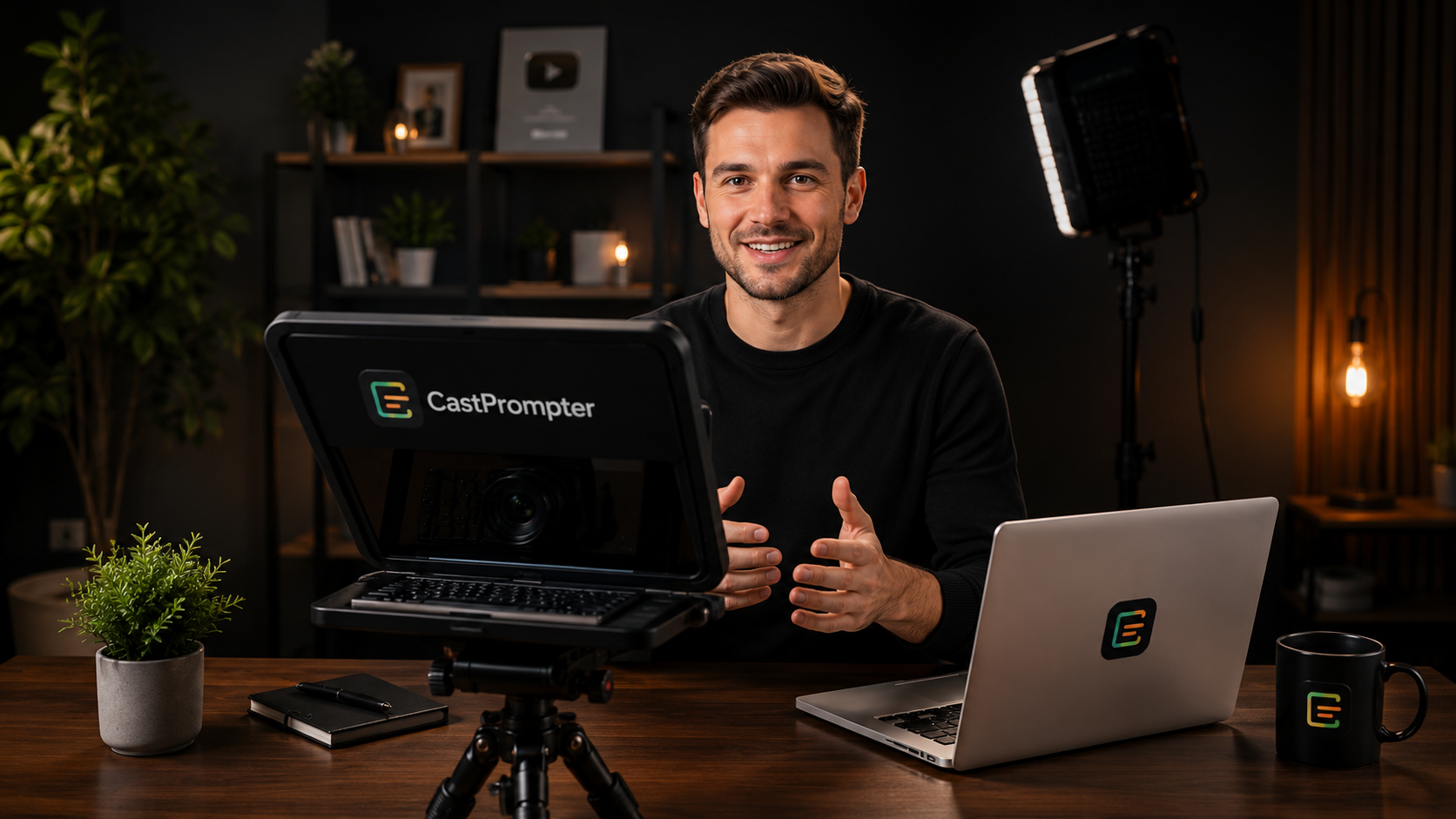
Watch how a creator writes a script, reads near the lens, records camera or screen, checks the mic, edits the take, and exports a clean video.
Script
Quick start
Before recording
Check these items first so you do not record a silent video or accidentally show your script. If something is missing, close this box and fix the setup before starting.
Export center
CastPrompter uses the best video format your browser can record. MP4 appears where browser support is available.
On the phone app, this opens your device's share menu. On desktop, it downloads the video and opens that platform's upload page so you can attach it.
Edit studio
Drag on the waveform to select a part to remove.
Adds free stock footage at moments in your script that mention something visual, using your own recording's audio throughout.
No music selected.
Drag the overlay on the video, trim the start and end, add music, then export a polished take.
AI Video Creator
Type or paste a script. CastPrompter reads it aloud with an AI voice, finds matching visuals for each moment, and animates your words on screen. Three ways to get your visuals, from free to real AI-generated video.
Free stock footage matched to your script. Great for general topics and everyday scenes.
AI-generated images for scenes stock footage can't show - specific, historical, or imagined moments.
Real moving AI-generated video per scene, not animated stills - noticeably higher quality motion.
Pick a tier above, or choose Scene visuals directly. Premium AI video generation can take 30 seconds to 3 minutes per scene.
Add a script above, then click Generate.
Combine studio
Add your camera, screen, or screen + camera takes in the order viewers should watch them. Add optional MP3 background music, then export one final video.
Choose at least two clips to combine.
No music selected.
Pricing
For solo creators who want a calm recording space for scripts and clean takes.
For creators and marketers who need longer takes and polished exports.
For teams, agencies, educators, and businesses recording repeated content.
For creators who want a full year of Pro locked in now, no recurring billing.
For creators who want to lock in CastPrompter Pro access for three years at the best per-year rate.
Launch discounts apply during the launch month. A Pro Pass covers Pro software features for one creator for its term (1 or 3 years), not forever; high-volume AI, team features, and large cloud storage may require separate add-ons. Premium AI video credits are not included and can be bought separately above.
Full demo (2 min)
My Account
Signed in as
Access your creator workspace and keep your projects organized across sessions.
Mobile apps
Install CastPrompter from your browser and use the workspace across desktop, tablet, and mobile browsers.
Affiliate Partner Program
Refer creators, educators, marketers, and small teams who need a simple way to write, record, edit, and export confident videos.
Commission: details are shared after partner approval, before you promote CastPrompter.
Approval: every partner is reviewed before receiving affiliate access or tracking links.
Your application is used only to review partnership fit and contact you about the program.
About
CastPrompter is built for creators, educators, marketers, and founders who want to explain ideas clearly without memorizing every line.
It combines script writing, eye-line prompting, camera recording, screen capture, an AI Video Creator that builds full videos straight from a script, AI voiceover in 15 languages, simple editing, and clean export tools in one focused workspace.
Contact
Send a message and tell us what you want to record. We read every note and use creator feedback to improve CastPrompter.
AI Script Coach
Turn a rough idea into a specific, camera-ready script with a stronger hook, useful proof, natural delivery, and a clear next step.
Redub in another language
Uses your current script and a natural AI voice in the language you pick. Choose English to keep your own language but swap in a clean AI voice instead of your recorded narration - handy if you'd rather not use your own voice on camera. The video keeps its original picture - only the narration changes, so mouth movements won't match exactly, similar to a classic dubbed film. The new version is saved as its own video in Projects.
Choose a language, then click Generate.
AI Voiceover
Choose a language, then generate a natural AI voiceover MP3. For non-English voiceovers, CastPrompter prepares the script in that language before creating the audio.
Speech to Text & Subtitles
Upload an audio or video file. CastPrompter transcribes it, then you can copy the plain text or download timed .srt subtitles for your video.
No file selected.